


October 05, 2026 By Admin
Learn how to download sold and unsold lists, get final cricket auction squads, and share results with team owners after your auction ends.
After the Cricket Auction: How to Share Results, Final Squads & Next Steps
The last player is sold, but your job as organiser isn't done. Your cricket auction results now have to reach team owners, players and the committee in a form nobody argues about. Here's how to turn the final screen into clean lists and squads without retyping a thing.
What Your Cricket Auction Results Should Include
Four things: a sold list with final bids, an unsold list, a squad sheet for every team, and a shareable copy of each. If you can hand all four to owners the same evening, the auction has done its job.
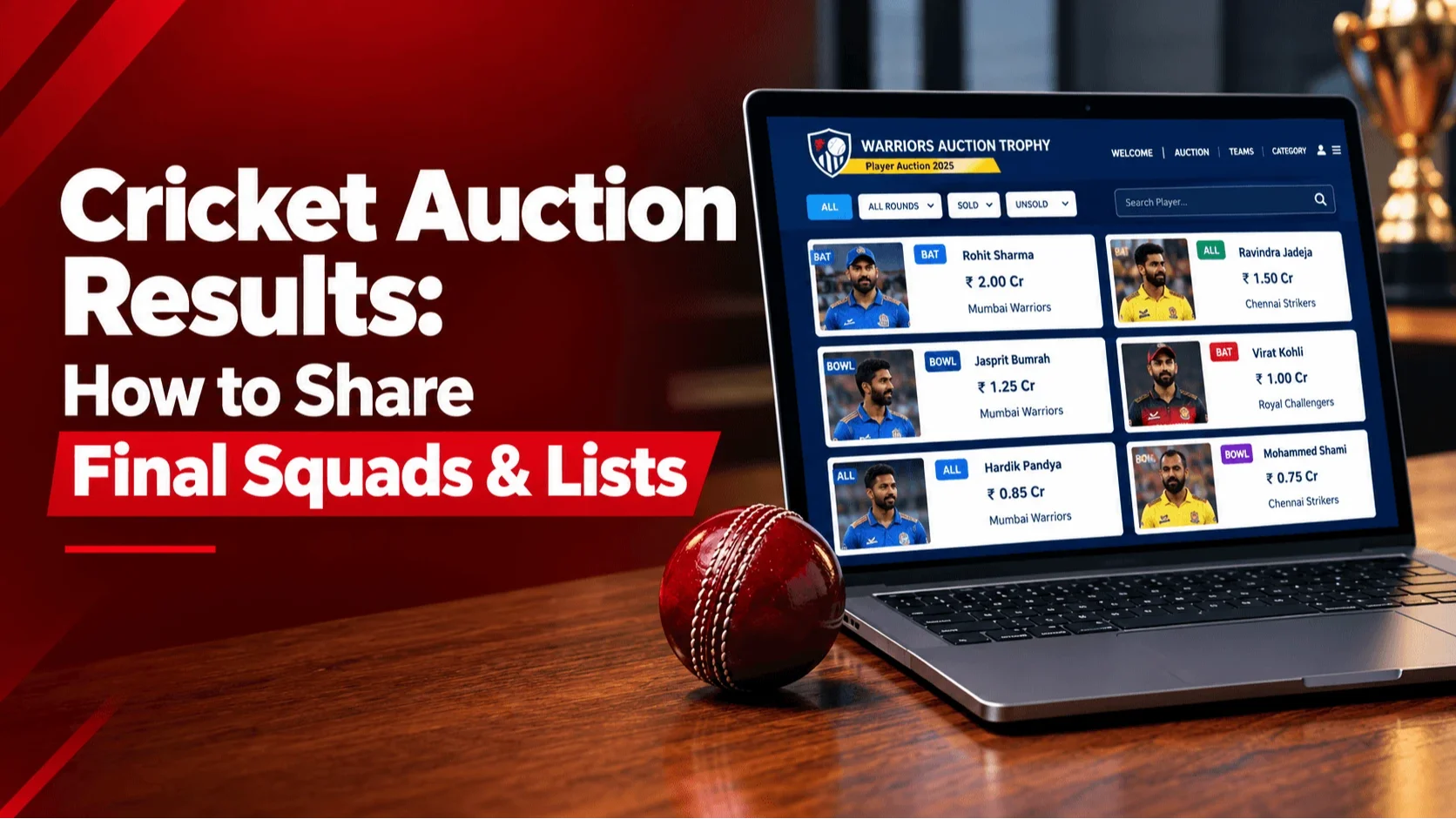
CricAuction already sorts every player into Sold, Unsold or Available while bidding runs. That means the results are built as you go, not assembled afterwards from notes and screenshots.
How to Download Sold, Unsold and Available Player Lists
Open the Player screen and use Export PDF. You can download the Sold, Unsold or Available tab on its own, and each export carries player name, age, skill, team and final bid (for sold players).
| Tab | What it shows | Best used for |
|---|---|---|
| Sold | Players bought by a team, with final bid and team name | Owner confirmations and your records |
| Unsold | Players nobody bought in their turn | Second round or replacement planning |
| Available | Players who haven't come up for bidding yet | Catching anyone you missed |
Check the Available tab before you export. After a finished auction it should be empty. If names are still sitting there, they never came up, and you'll want to sort that out before results go public.
Getting the Final Cricket Auction Squads by Team
Final team lists can be downloaded as PDF or Excel. Use the PDF for sharing, since it opens on any phone. Keep the Excel copy for yourself if you plan fixtures, jersey orders or captain lists.
Check each squad before it goes out
- Player count matches the squad limit you set in your rules
- Every team's spend lines up with its budget
- Captains and icon players appear where they should
Ten minutes of checking now saves a messy group chat later.
What to Do With Unsold Players After the Auction
Unsold doesn't have to mean out. Some tournaments run a quick second round, some keep unsold players as a replacement pool, and some allow direct signing at base price. Pick one and write it into your rules.
Finish the auction. Share the squads the same day.
Set up your teams, players and bidding rules on CricAuction, run the bidding live, then export final squads once the last bid is in.
Explore CricAuctionFinal Checks Before You Share the Results
- Available tab is empty
- Sold list exported
- Unsold list saved
- Final squads checked and exported
- Owners have their squads
- Unsold-player rule announced
Quick Questions
Can I download the sold players list?
Yes. The Player screen has an Export PDF option for the Sold, Unsold and Available tabs.
Can I get final team lists in Excel?
Yes, final team lists can be downloaded as PDF or Excel.
Why do some players still show as Available?
They haven't come up for bidding yet. Bring them up, or decide their fate under your rules, before sharing results.
Final Thoughts
Good cricket auction results are clear, checked and shared fast. Export the lists, verify the squads, send them to owners and settle the unsold rule. After that, the tournament can begin.